Deleted upstream, still in the synced table? The Eloqua incremental-refresh trap
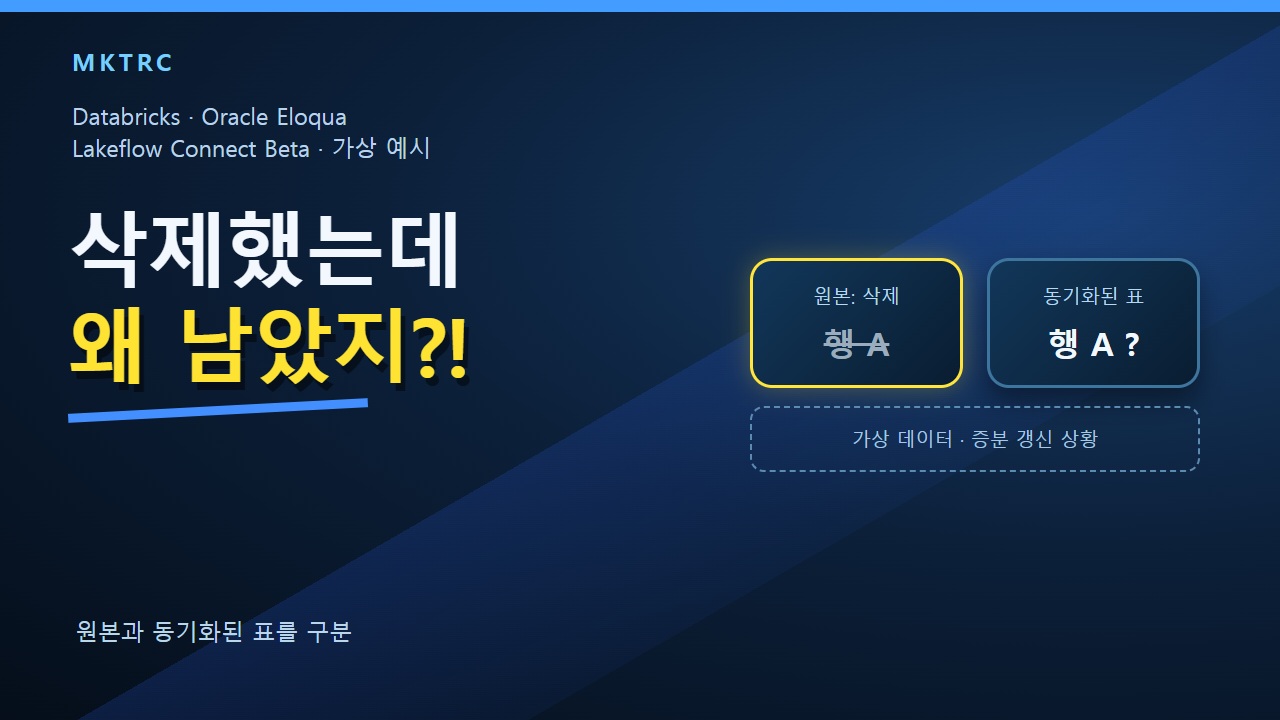
Conceptual illustration, not an actual product screen or field result.
Scope: the managed Oracle Eloqua connector
This guide concerns Oracle Eloqua in Databricks Lakeflow Connect. The reviewed documentation labels the feature Beta and describes workspace-enablement prerequisites. Do not generalize this behavior to Oracle database CDC or other connectors.
Why incremental tables can retain a deleted row
Incremental ingestion captures inserted and updated records. The documented limitation is that source-deleted records remain in the destination for incremental tables until a full refresh of that table is run. A successful incremental run therefore does not, on its own, prove equal source and destination row sets.
Three table types are different
| Table type | How a source deletion is reflected |
|---|---|
| Incremental ingestion tables | A full refresh of the affected table is required. |
| option_list | All records are reingested on every pipeline update, reflecting deletions as of that run. |
| event_registration_registrant | Reingested in full on every run. |
| custom_object | Reingested in full on every run. |
Hypothetical row A
Suppose row A exists at both the source and destination. After A is deleted upstream, an incremental run can leave A in an incremental destination table. This illustrates the documented behavior; it is not an observation of retained customer data or a finding about any legal erasure obligation.
What to check after the success badge
- Confirm that the actual integration is the managed Oracle Eloqua connector and determine the table ingestion type.
- Compare the same deleted row identifier in the matching source and destination tables.
- Check whether the completed run was incremental or a full refresh; an issued request is not a verified result.
- Before any full refresh, obtain authorization and assess cost, load and scope. This guide does not operate a production pipeline.
Evidence limits
This educational explanation uses the official connector FAQ and limitations, AI-generated Korean narration and original hypothetical-data diagrams. No Eloqua account, customer record, deletion request or Databricks pipeline was operated or tested. No latency, cost, success rate or compliance outcome is measured or guaranteed.