Two triggers at once—will your job run twice?
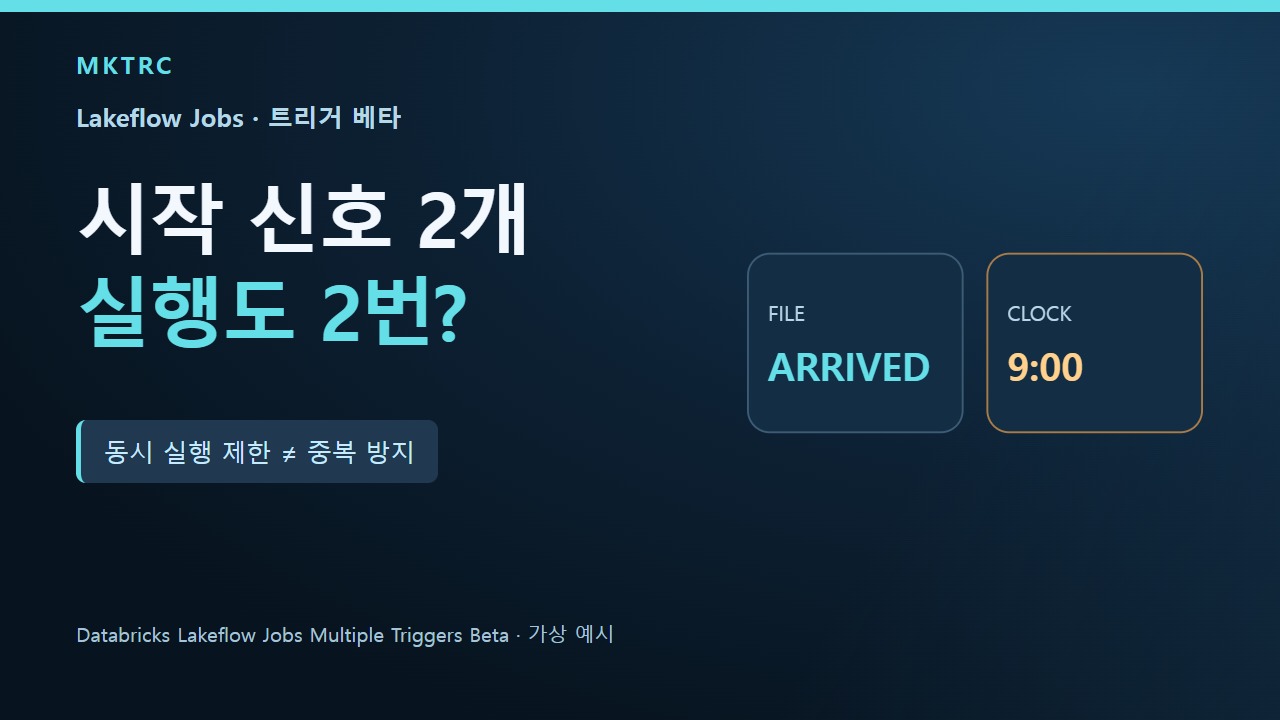
A data processing job is scheduled for 9:00 AM. At exactly the same time, a new file arrives and activates a file-arrival trigger. Two starting conditions have fired. Does that guarantee two completed processing runs?
No: a trigger event, a run that starts, and a run that completes are three different things.
What is a trigger?
A trigger is a condition that may start a job—for example, reaching a scheduled time, receiving a file in a monitored location or updating a source table.
Databricks introduced Multiple Triggers for Lakeflow Jobs as a Beta feature in October 2026. Where the preview is available and enabled, a job can use up to five triggers, including multiple types. Continuous triggers cannot be combined with others.
When any active trigger becomes true, it can initiate a job run. That does not mean that every triggered run will start immediately or complete.
Concurrent execution is a separate setting
Databricks says the default maximum number of concurrently active runs for one job is one. That maximum can be configured differently. When the concurrency limit is reached, queueing settings matter: with queueing enabled, an eligible run can wait for capacity and execute later; without queueing it can be skipped. Queueing is enabled by default for jobs created in the UI after April 15, 2024, and a run can remain queued for up to 48 hours.
This is why an arrival notification and a scheduled trigger happening close together do not establish the number of successful processing runs by themselves.
One-at-a-time is not once-only
A maximum concurrency of one prevents two runs from being active at the same time; it does not establish that a given input will be processed only once. Two eligible requests can still run one after the other. This is a logical consequence of queueing, not a reproduced duplicate-processing incident. Check input identifiers and actual output records before claiming exactly-once processing.
A hypothetical timeline
| Event | What it means |
|---|---|
| 9:00 AM scheduled trigger is satisfied | A condition for starting a run may have been met |
| A file also arrives at 9:00 AM | A second trigger condition may be met |
| A run is already active | Another run may wait in the queue, or be skipped when queueing is disabled |
| The user wants to know what really happened | Examine actual job-run records and outcomes |
All events in this table are invented for explanation. No Databricks workspace or simultaneous-trigger test was used.
A read-only checklist
- Confirm whether the workspace has access to Multiple Triggers Beta.
- Check which triggers are configured and active.
- Identify the job's maximum concurrent runs setting and whether queueing is enabled.
- Distinguish trigger conditions from actual run started, skipped, failed and completed states.
These are inspection questions, not instructions to modify a production job.
Takeaway
Two trigger signals do not guarantee that your data was processed twice—or that either processing run completed. Validate the job history and outcomes before drawing conclusions.
Primary sources
Evidence limits: This educational article interprets manufacturer documentation. Examples are hypothetical, not measured tests on production equipment, databases or customer workspaces. It reports no measured detection, recovery or processing outcome. Operational changes require authorization and the documentation for the actual product and version.